Enhance your GPS tracks
for your edits.
Customize your GPX or Strava tracks and export them as PNG images on a transparent background. Add them to your YouTube and TikTok videos, your Instagram posts, or keep them as a souvenir.
- Free
- No sign-up
- Secure: processed in your browser
GPX File or Strava Activity
Simply import
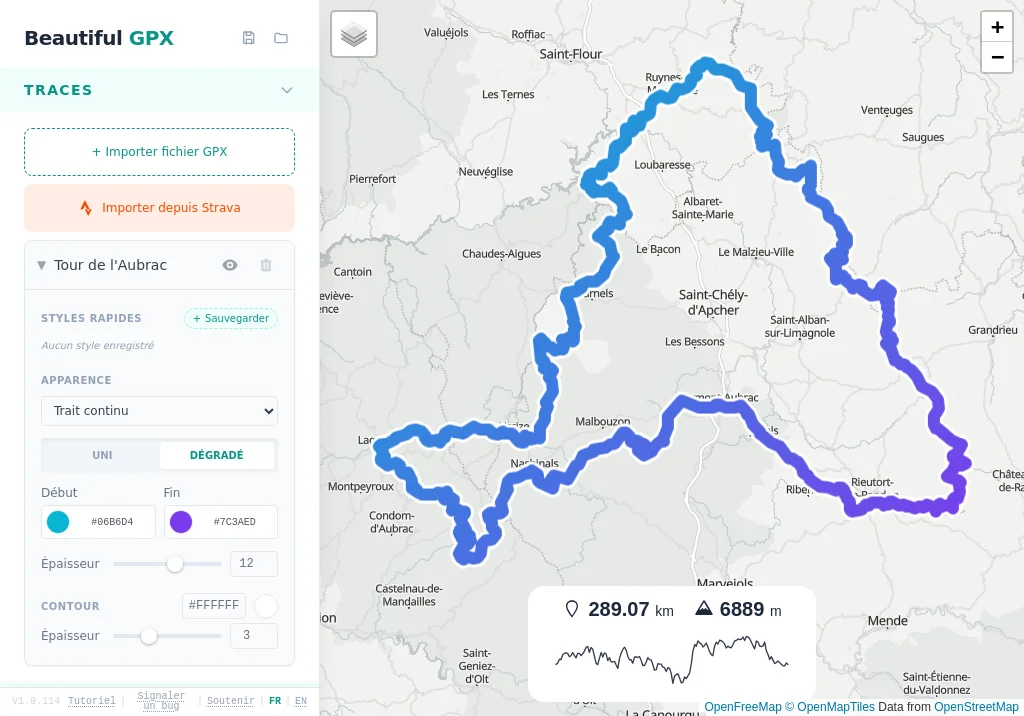
Customize your track
Export with a transparent background...
... to overlay everywhere!
See the editor in action
Strava import, customization, POIs, transparent export or custom background image… An illustrated guide to master every panel before you dive in.
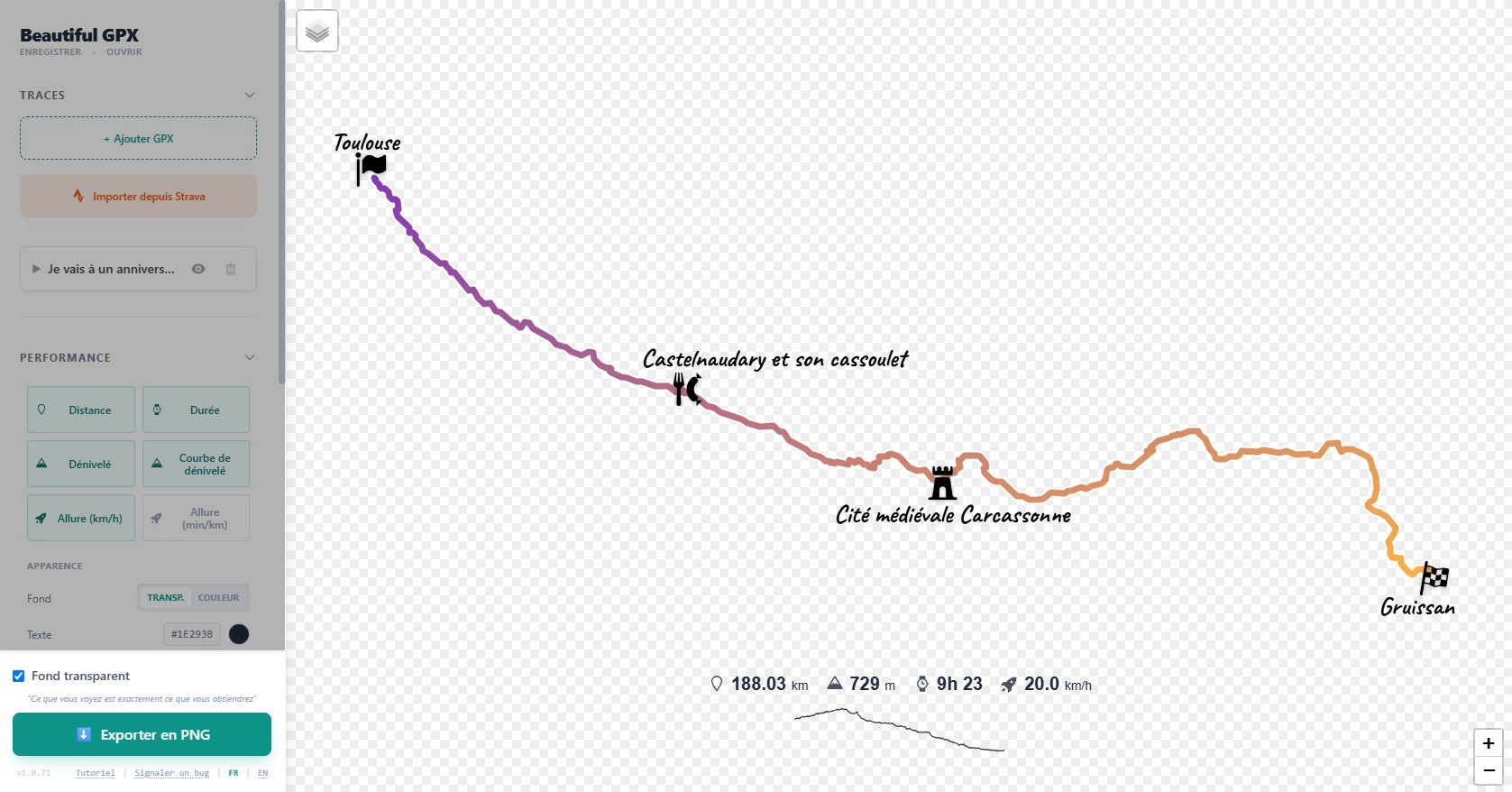
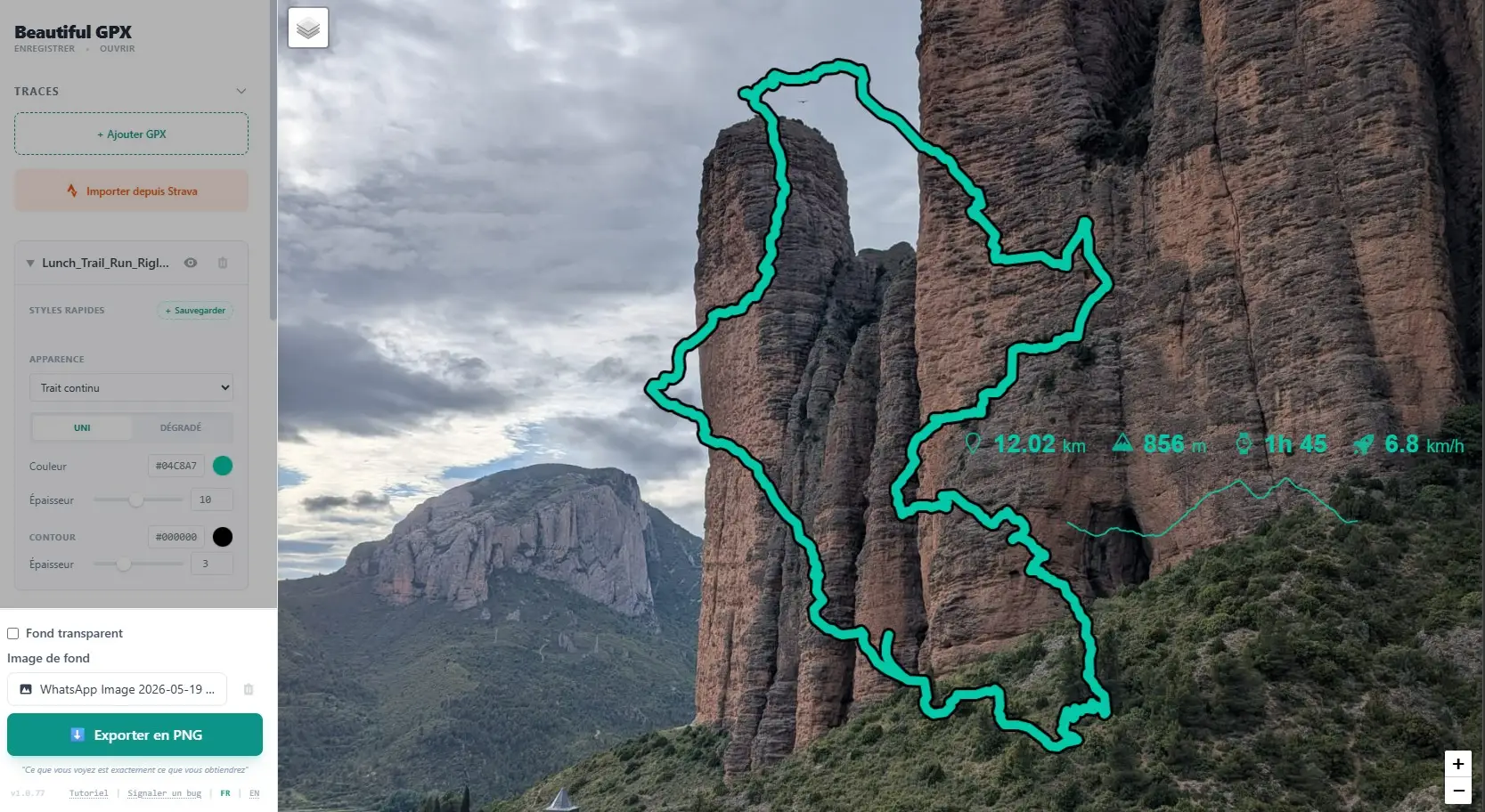
Video & Photo Overlays
Generate only the track path with no background. Perfect for overlaying on your landscape photos or YouTube/TikTok video edits.
Custom Design
Control line thickness, color, opacity, and add points of interest to tell the story of your adventure.
Your background image
Upload a photo or texture instead of the map: landscape, kraft paper, poster layout… Track and POIs stay overlaid, in preview and export.
100% Private & Fast
Everything happens in your browser. Your GPS data is never sent to a server. Rendering is instant and secure.
Who is this tool for?
YouTube vlogs, TikTok videos, reels, Instagram stories:place your route on a transparent background, in the style and colors you choose.
Race posters, roadbooks, course maps: clear, polished visuals, ready to print or share.
Share your activities with varied visuals (satellite, dark map, 3D, stats…) without needing a Strava subscription.