Add points of interest (POIs) to a GPX track
For a clean travel souvenir map, POIs are the best way to tell your story: stages, nights, iconic passes, viewpoints… then export a shareable, printable image.
Which POIs to add for bike trips and hikes?
- Stages / nights (camp, hut, hotel).
- Towns and villages (or only major stops).
- Mountain passes, summits, key sections.
- Memorable spots: viewpoints, photo locations, tough climbs.
Steps
- Import your GPX file (or multiple stages).
- Add POIs and name them clearly.
- Adjust style and readability (colors, sizes, contrast).
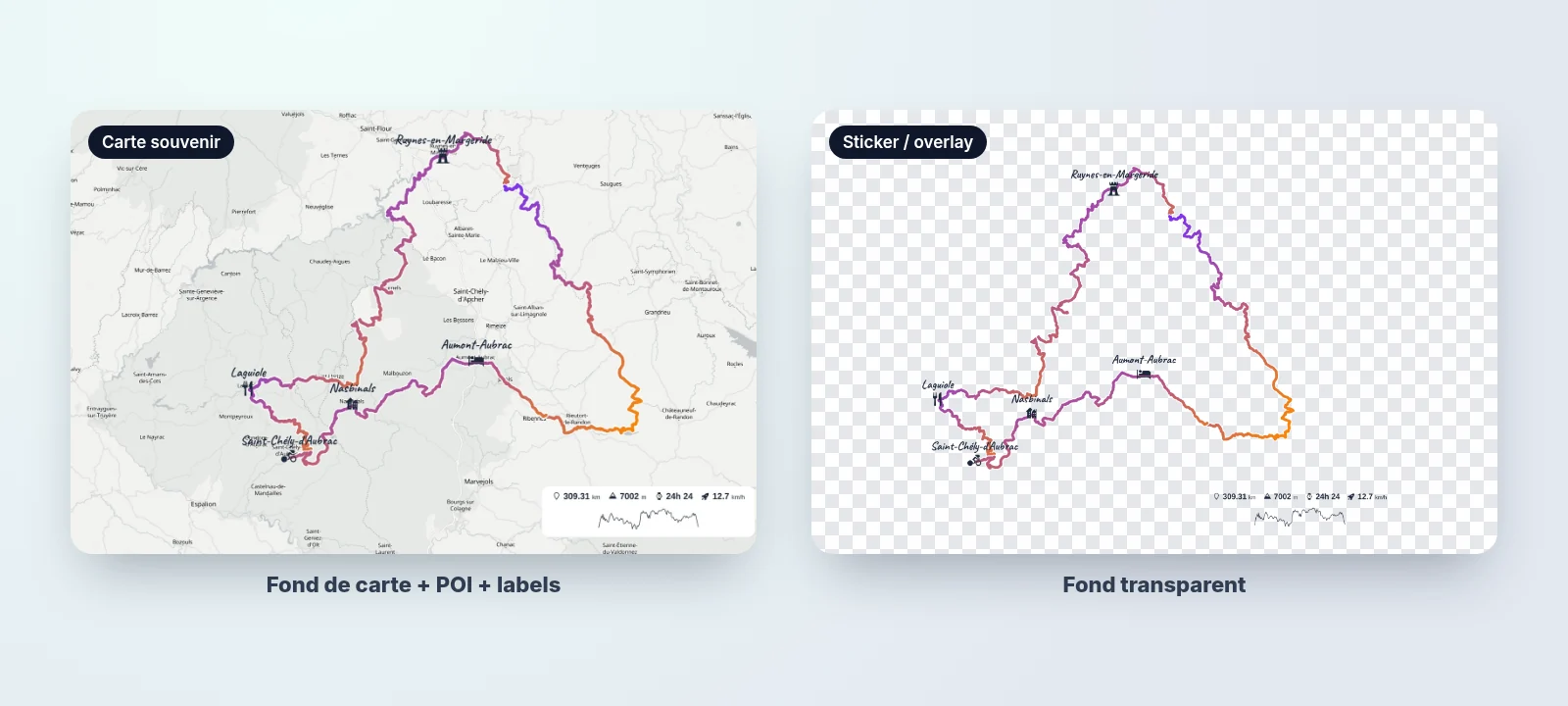
- Export as a basemap map or as a transparent overlay.
Tip: a souvenir map is better with 8 strong POIs than 25 unreadable labels.
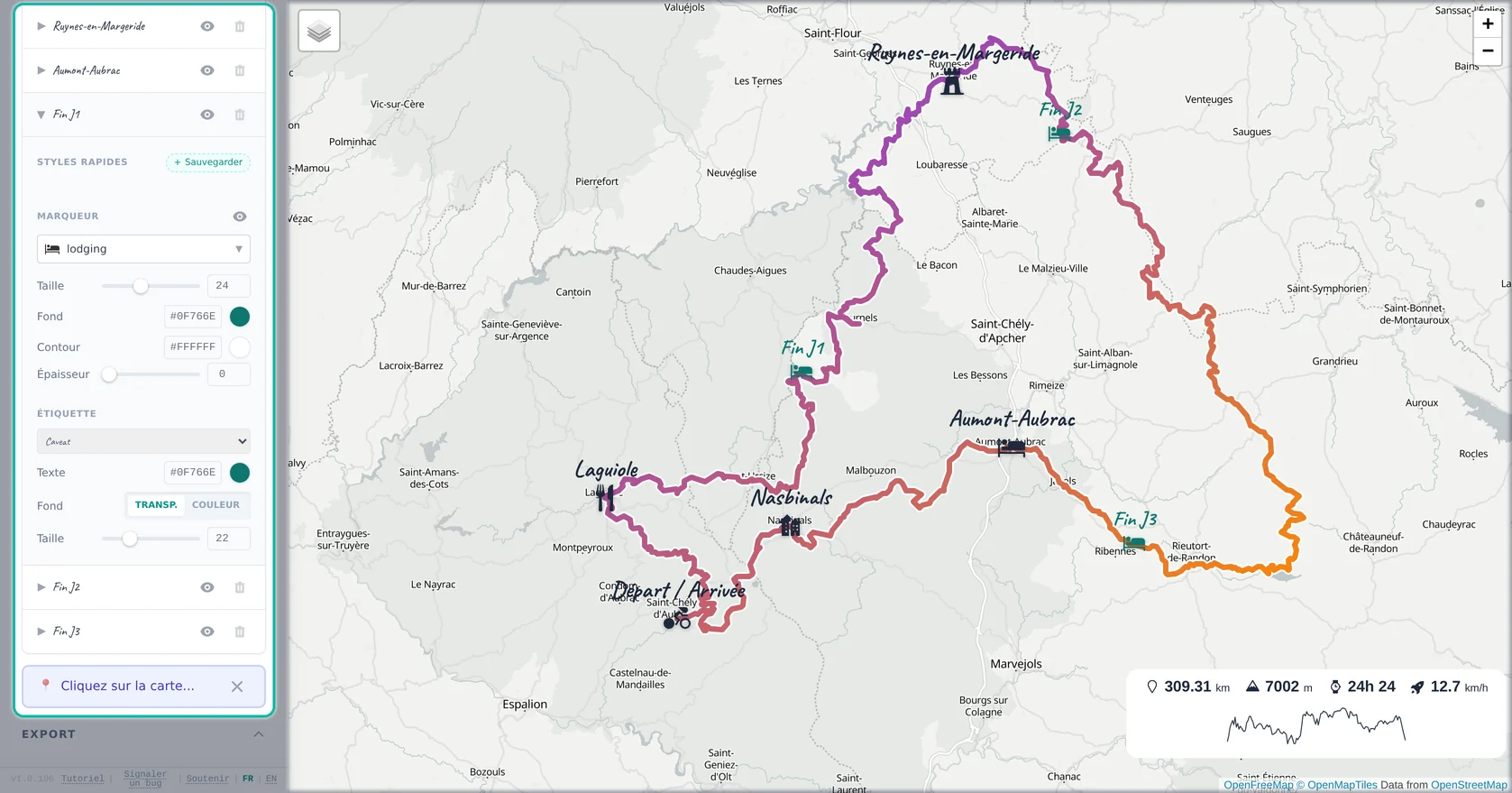
Keep the map readable
- Limit POIs to what matters.
- Use short labels (e.g. “Day 3: Pass X”).
- Pick a clean basemap if you have lots of text.
Two useful exports
Depending on your use case, export:
- Souvenir map: basemap + POIs + labels, great for printing.
- Sticker/overlay: track (and optionally POIs) on a transparent background for editing.
FAQ
What is a POI?
A labeled point on your map (stage, pass, camp, viewpoint, etc.).
Can I name POIs?
Yes, clear names make the map instantly understandable.
Start/finish: automatic or manual?
Start/finish can be visible from the track; you can also add POIs if needed.
How many POIs for a readable map?
Usually 5 to 15, depending on density and layout.
Can I change POI color/shape?
Yes, use it to distinguish “stage” vs “spot” vs “pass”.
Can I build a multi-day map?
Yes, combine POIs with segment colors for Day 1/2/3.
Can POIs be included in a transparent export?
Yes, useful for layering on photos/videos.
How do I avoid overlapping labels?
Reduce POI count, shorten labels, or switch to a cleaner basemap.
Is it useful for loop hikes?
Yes, mark key points (lake, pass, viewpoint, start/finish).
Any print tips?
Export in HD, use strong contrast, choose a clean basemap, and keep POIs limited.