3 Ways to Enhance Your Strava Shares on Instagram (GPX Visuals & Overlays)
Everyone knows the standard orange Strava map screenshot. It works, but it lacks the personality to truly showcase your outdoor adventure. Want to overlay your GPS track directly onto your mountain photos or generate unique glowing routes? By exporting your GPX to a transparent PNG through Beautiful GPX, you can turn your raw sports data into "pro stickers" for Instagram Stories or posts.
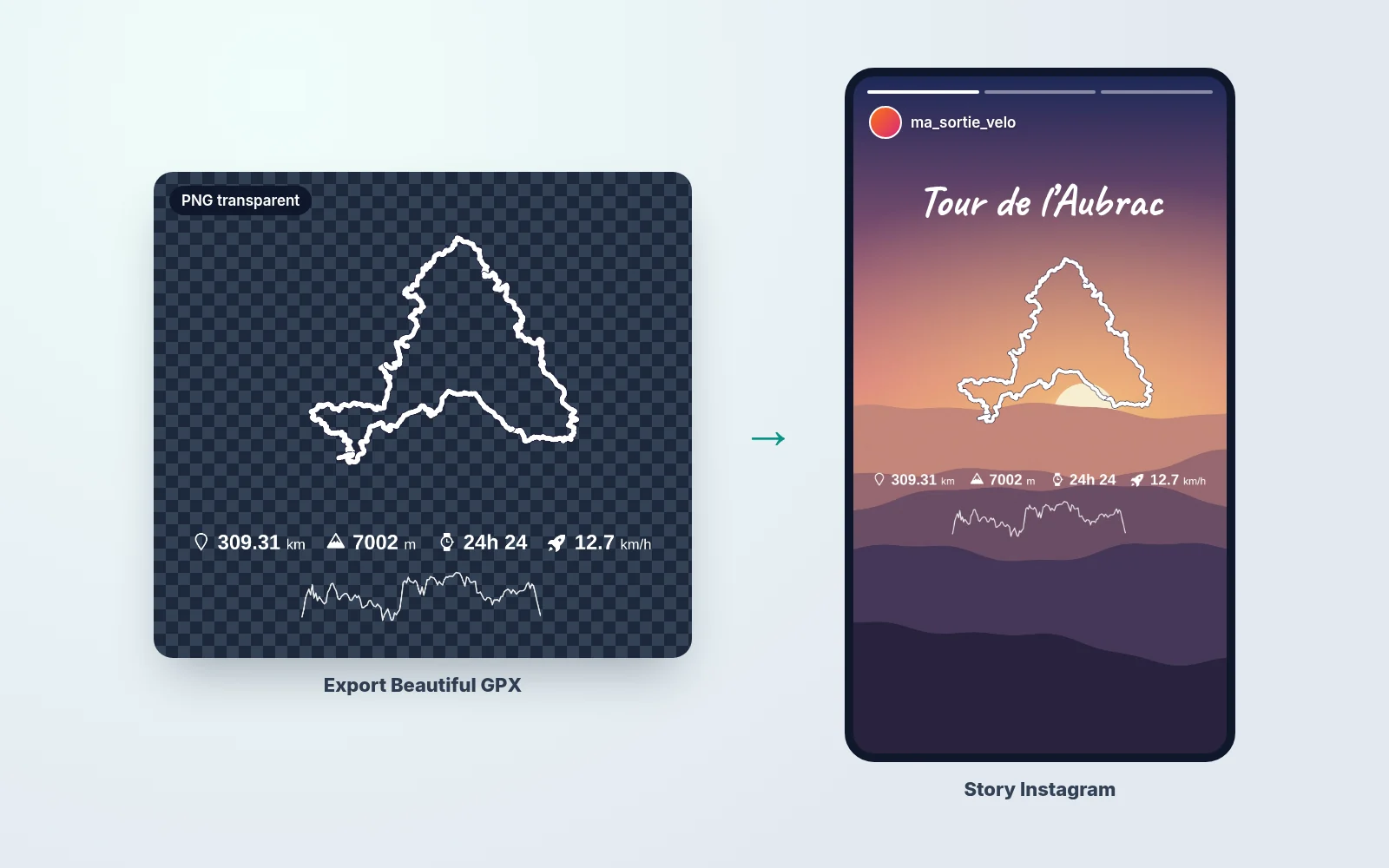
1 The "Transparent Sticker" Overlay (Strava Story Trick)
This is the hottest trend on athletic accounts. Don't choose between sharing an epic selfie and sharing your route. Export your GPX file to a transparent PNG and combine both.
- 💡 The Trick: Import your GPX to Beautiful GPX and tick the "Transparent Background" option.
- 🎨 The Styling: Choose a highly contrasting track line color (like pure White or Bright Red) so it pops out of your phone camera shot.
The Creation:
- In Instagram Stories, load your favorite landscape photo from the activity.
- Paste the transparent PNG image of your GPX track right on top.
The result? Your custom Strava activity floats perfectly in the sky or stretches over the trail you scaled!
2 The "Dark Mode Neon" Route Map
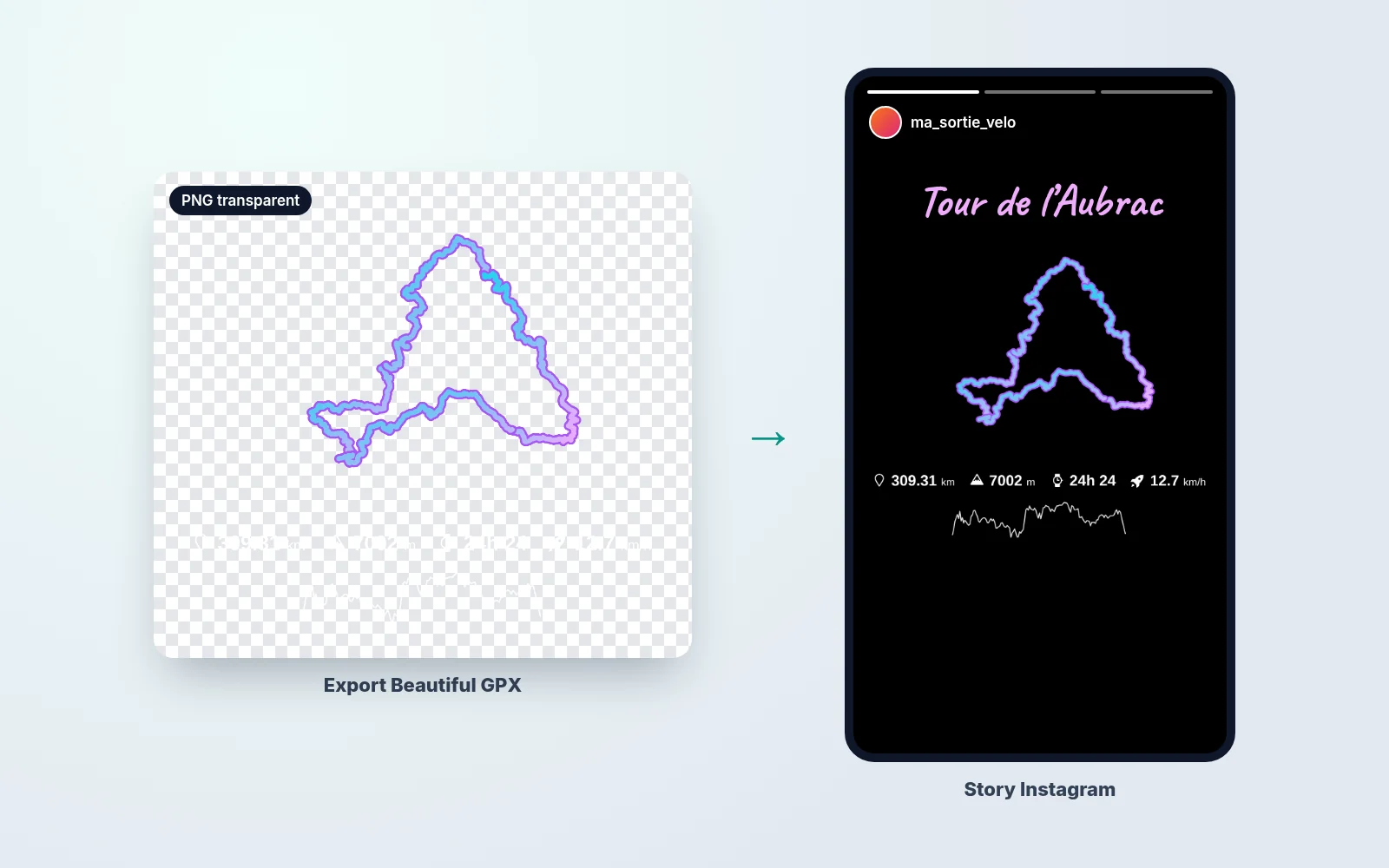
Looking for that minimalist black background grid to make your neon running routes shine? No need for Photoshop or advanced GPX editors.
- GPX Image Generator: Customize your GPX file + your performance stats (distance, pace overlay) on a fully transparent background. Apply a vibrant gradient to the polyline.
- Instagram App: Start an IG story, grab the "Draw" tool, hold down to flood-fill the background solid black, and paste your Beautiful GPX transparent export over it.
Result: A high-end sports advertisement visual, rendered from your personal GPS file in under a minute.
3 The "Clean" Topographic GPS Map (Strava Alternative)
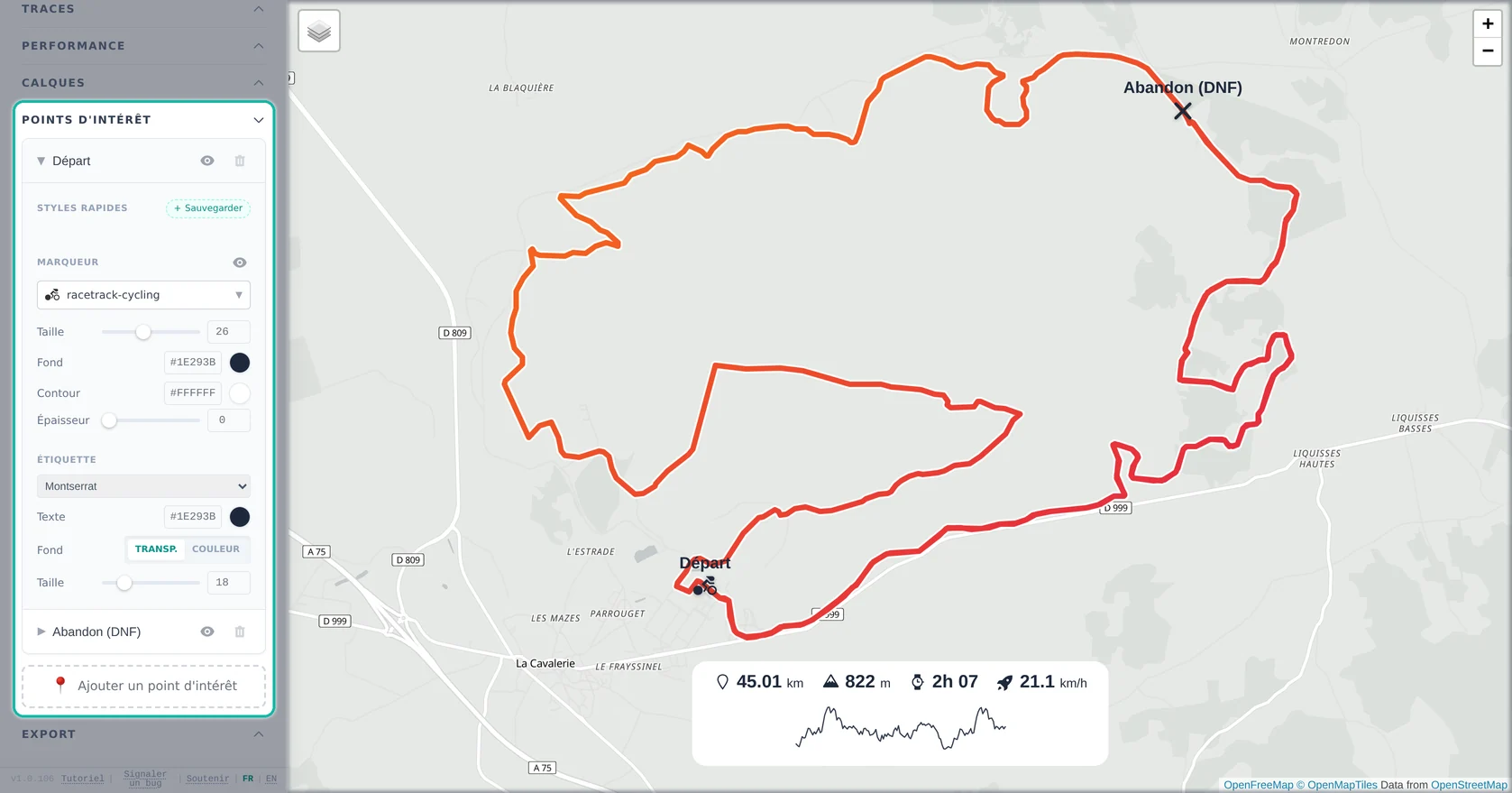
For a technical trail run or a legendary cycling climb, geographical contour context is essential to impress your followers.
- 🔴 The Standard Share Problem: Built-in app social exports are often cluttered with unnecessary map labels.
- 🟢 The Beautiful GPX Overlay Solution: Generate an image using one of our curated background map styles. They are engineered to be distraction-free, highly readable, and aesthetically pleasing on modern feeds.
Pro tip: Toggle GPS Start/Finish markers to clearly locate the action point. This clean export format is perfect for a multi-slide Instagram "Carousel" post summarizing the race.
4 Strava Premium Features... for Free
Why pay monthly just to access customized map styling and performance overlays? Beautiful GPX democratizes professional-looking GPX rendering:
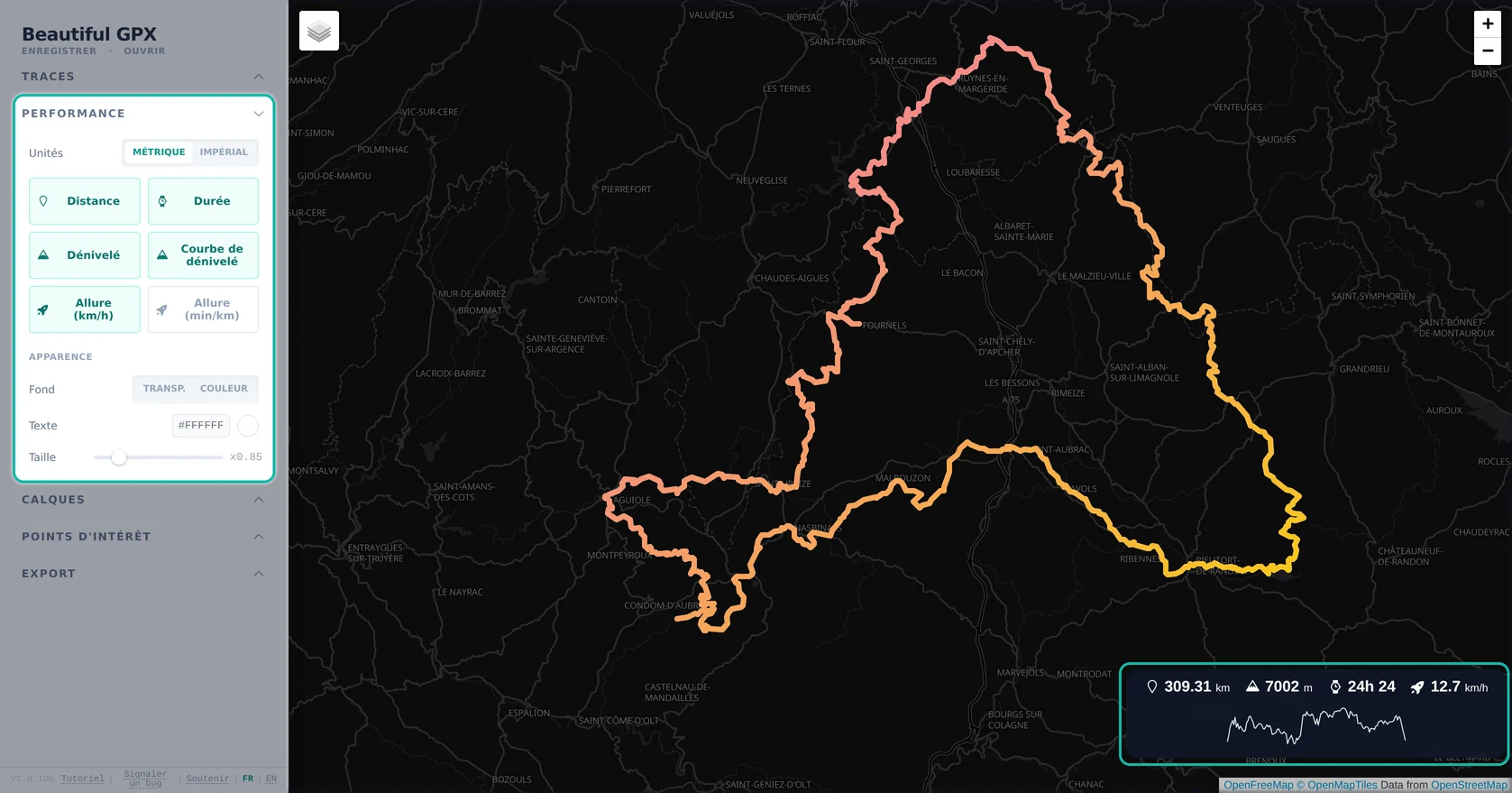
- 🌍 Versatile Basemaps: Generate high-res GPX maps with Satellite, Dark Canvas, Light, or Outdoors styles without paywalls.
- 📈 Performance Data Badges: Stamp your total climbing elevation, distance, or average speed physically onto the exported PNG map.
It's simple: Full control over your gpx-to-image pipeline for better social media engagement.
FAQ
Can I paste my track on an Instagram photo?
Yes, export a transparent PNG and overlay it like a sticker on your Story.
Do I need a Strava subscription?
No, Beautiful GPX is free and works with GPX import or Strava connection.
Which track color for Stories?
White or bright red on photos; neon gradients on black backgrounds.
Can I show distance and elevation?
Yes, enable Performance widgets before export.
Which format for Instagram?
High-resolution PNG, transparent or with a clean basemap depending on your style.
Are my Strava activities kept private?
Processing is local in your browser; your data is not stored on our servers.
Your physical effort deserves better than a heavily compressed, uncustomizable app screenshot. Turn your GPX tracking files into beautiful media today.
Customize my GPX trace (GPX to PNG)